
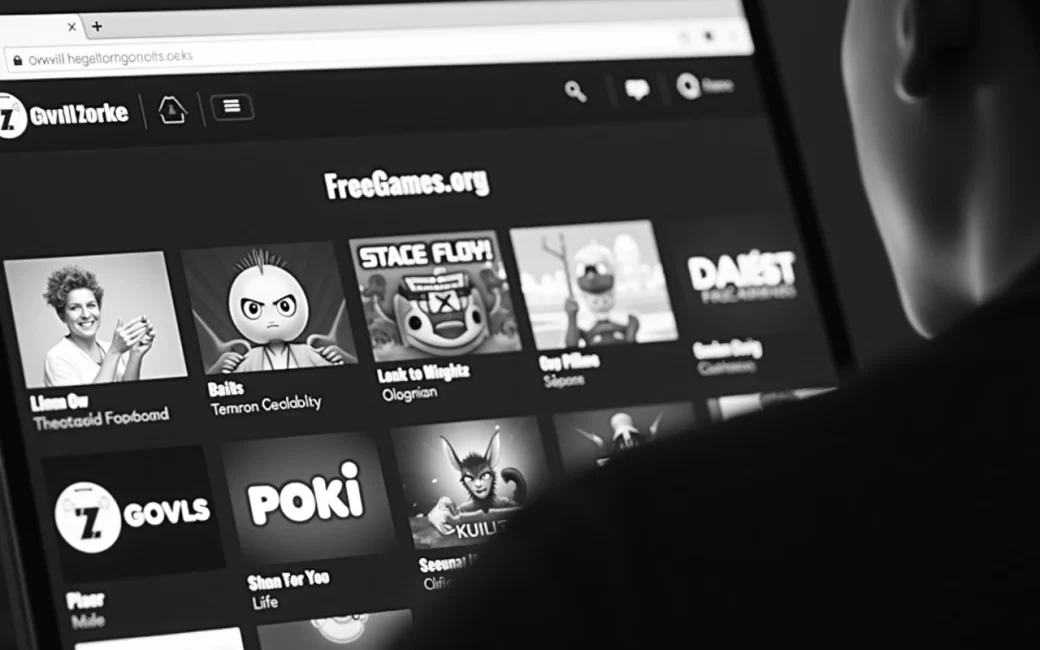
Reader wants to play now without installing anything
If the goal is to play something in the next thirty seconds, browser-based portals get there fastest. Sites such as FreeGames.org, CrazyGames, Poki and FreeGames.com run games directly in the browser tab, so there's no installer, no storage taken up on a hard drive, and in most cases no account to create before the first level loads.
The usual path is:
- Pick a genre category — puzzle, action, racing, casual, or 3D.
- Click a title from the grid or search results.
- Wait for the page to load the game engine (usually a few seconds on a normal broadband connection).
- Play immediately, with no sign-in prompt on most casual titles.
FreeGames.com even splits out a dedicated section for 3D titles, which tend to be heavier on graphics processing than a flat puzzle grid and are worth knowing about if playing on an older laptop or a phone on mobile data, since a 3D browser game will pull more from the graphics card and the network connection than a 2D match-three. The trade-off for this instant access is that nothing is installed for offline use — close the tab or lose the connection and the session is gone, which matters if the plan is to play on a train or somewhere signal drops out.
Desktop and mobile browsers both run the same catalogue in most cases, so the same game played on a phone browser during a commute and on a laptop later in the evening should behave the same way, aside from touch controls replacing a mouse and keyboard.
Catalogue holds thousands of titles, so choice is the problem
Once the technical barrier is gone, the real obstacle is volume. FreeGames.com describes its own library as running past 3,000 manually picked games, and portals like CrazyGames and Poki list comparable numbers — scrolling that without a starting point just produces decision fatigue.
The shortcuts that actually help:
- Most-played or trending lists — these surface what a large number of other players are currently choosing, which is a reasonable proxy for "won't waste your time" even without a formal review.
- Manually curated "best of" pages — FreeGames.com's best-games page is an editorial shortlist rather than the full catalogue, which is useful precisely because someone has already filtered out the filler.
- Genre pages — narrowing to puzzle, action, or 3D immediately cuts the search space to something a reader can actually browse in a few minutes.
None of this replaces knowing what you're looking for. A reader with ten minutes between meetings wants something with no save state and a fast round (a puzzle or arcade title); a reader with a free evening and a proper keyboard is better served by an action or 3D game with more depth. Matching the choice to the time and device available matters more than the raw size of the catalogue.
'Free' pages carry no purchase price — but that's not the whole story
A page that says "free" means no money changes hands to start playing; it does not mean the site or the game earns nothing from the visit. Portal sites are typically funded by advertising shown around or before the game loads, and some individual games layer in optional purchases once you're inside them.
That split matters more than most grids let on:
| Type | What "free" covers | Where money can still enter |
|---|---|---|
| Fully free browser title | No cost to play, ever | Site-level ads only |
| Free-to-play with purchases | No cost to start | Cosmetic items, extra lives, currency bundles bought inside the game |
| Native app version | No cost to download | App-store in-app purchases, sometimes ad removal fees |
The Google Play listing for the FreeGames app is a useful example of the app-store route into the same kind of catalogue — worth checking store listings for purchase notices before assuming a mobile version behaves identically to the browser version.
The practical rule: a game that's genuinely free to keep will say so with nothing more than banner or pre-roll ads around it; a game that starts free but nudges toward paid currency, extra attempts, or cosmetic unlocks is free-to-play, not free-to-keep. Both are labelled "free" on a store page or portal tile, so the distinction only shows up once play begins — check whether the game asks for real money before a level, after a loss, or to skip a wait, and treat any of those as the free-to-play kind rather than the fully free kind.
Action games
Action is one of the genres that shows up across nearly every major portal, from CrazyGames to Coolgamesfree to FreeGames.com, because it covers a wide span of pace and skill demand under one label — everything from a simple browser shooter to a more involved brawler with combo systems.
That breadth is exactly why the genre tag alone isn't a reliable filter for "best." Two titles both tagged action can differ enormously in:
- Session length — some rounds run under a minute, others expect twenty minutes of continuous play with no save point.
- Input needs — some are single-button or tap-based, others expect a full keyboard or a controller.
- Skill curve — some are forgiving arcade loops, others punish a single mistake with a full restart.
A reader picking from an action category is better off checking the game's control description and estimated round length before clicking, rather than assuming "action" means one consistent experience — the genre label narrows the search, but it doesn't tell you whether the specific game fits the ten minutes, or the keyboard, actually in front of you.
Start from a genre page, filter by how much time and what device you actually have, and treat the first result as a starting point rather than the final answer — the next click costs nothing to try.