
Reader asks which PS5 game to buy now
Start by separating two questions that get treated as one: "what's popular" and "what's best" are different rankings built from different data. Popularity comes from sales and concurrent player counts; "best" on a list like Metacritic's PS5 browse page comes from aggregated critic scores. A game can top one list and sit outside the other. If the goal is buying something worth the money rather than something everyone else already owns, the critic-score list is the more useful filter — but only once it's narrowed by genre, because "best PS5 game" without a genre attached isn't a real question.
Narrow first, then rank. The genre split that actually matters when browsing a storefront or Wikipedia's list of PS5 games is roughly:
- Action-adventure — the largest catalogue segment, spanning cinematic single-player games and open-world exploration.
- Horror — smaller in volume but disproportionately well-reviewed, often built around a single sustained mechanic rather than a sprawling map.
- Sports — annualized franchises where the "best" entry is usually just the newest one with the fewest bugs.
- Soulslike / challenging combat — defined by deliberate difficulty and stamina-based combat systems, a sub-genre distinct enough that it now gets its own heading on most release calendars.
Once a genre is picked, the repeatable method is: filter Metacritic's PS5 list or PlayStation's own best-of page to that genre, sort by score, and check that the top result has actually shipped — not been announced. That last check matters more than it sounds; storefront and editorial lists routinely mix released, newly released, and upcoming games in the same scroll, and the highest-scoring entry in a genre is sometimes months from launch. PlayStation's own "10 games to play first" guide is a reasonable cross-check for whether a title is considered essential enough to recommend to new console owners specifically, as opposed to merely well-reviewed among genre veterans.
This gives a method instead of a fixed top-10: genre, then aggregated score, then a release-status check. A fixed list goes stale the week after publication; the method doesn't.
One more distinction worth settling before buying anything: whether a PS4 game showing up in these same lists will run on a PS5 at all. Sony's release listings mix PS4 and PS5 titles under shared editorial headings, which is exactly why the platform tag on the store page — not the list it appears in — is the thing to check before paying for anything.
A wanted title has not released yet
If a game keeps appearing in searches but never seems to be "in stock" anywhere, it likely hasn't come out. The fix is to check it against a list that separates announced games from released ones, rather than against a general best-of list that mixes both.
IGN's upcoming PS5 games tracker exists specifically for this — it's organized by release date rather than by score or popularity, which is the only ordering that answers "is this out yet." PlayStation's "This month on PlayStation" editorial does the narrower version of the same job, listing what's actually landing in the current release window across both PS4 and PS5.
Once a release date is confirmed, pre-ordering splits into a genuinely practical decision:
- Check the release date against the upcoming-games tracker, not a store search result, since store pages for unreleased games sometimes stay live for pre-order months ahead of launch.
- Compare standard against deluxe or special edition — the price difference is almost always bundled cosmetic content, a digital soundtrack or art book, or a few days of early access, not different game content.
- Decide based on whether the extras matter, not on the assumption that the more expensive edition is the "complete" version — for most single-player games, the standard edition is the full game.
The edition tiers are the part list pages mention without explaining: "deluxe" rarely means more game, it means more packaging around the same game, plus sometimes a head start of a few days.
Game runs below expected smoothness or sharpness on PS5
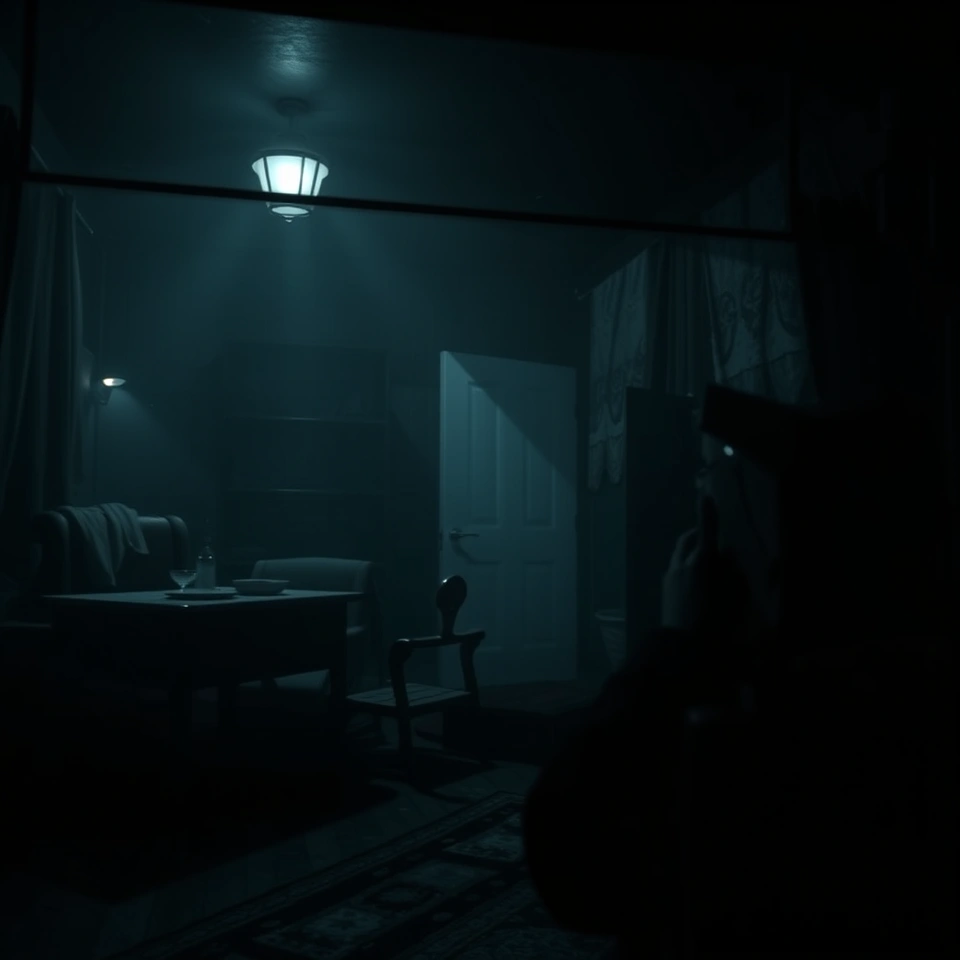
If a game looks soft or stutters, the first thing to check is the display mode, not the console. Most PS5 releases since the console's first year ship with at least two rendering modes, and the one selected by default is not always the one a specific TV setup benefits from most.
The fix, in order:
- Open the game's own graphics or display settings menu — this is a setting inside the game, not a PS5 system setting, and it's usually under "Display," "Graphics," or "Performance" in the pause menu.
- Look for a toggle between a fidelity mode and a performance mode. Fidelity mode targets a higher resolution, often reconstructed up to 4K, at a capped 30 frames per second. Performance mode drops resolution to hold a steadier 60 frames per second.
- Switch and compare directly on the TV in use, since the "correct" choice depends on whether the screen is a high refresh-rate display that can show the benefit of 60fps, or a fixed 60Hz set where the two modes will look closer than expected.
The two modes trade off the same underlying budget rather than one being strictly better:
| Mode | Priority | Typical target | Best suited to |
|---|---|---|---|
| Fidelity | Resolution and visual detail | Higher resolution, often reconstructed to 4K, at 30fps | Large 4K displays, slower-paced or story-driven games |
| Performance | Frame rate and responsiveness | Lower or reconstructed resolution, 60fps | Fast action, combat-heavy or competitive games, higher refresh-rate displays |
This toggle is why two players can describe the same game as either smooth or sharp and both be right — they're not playing the same rendering target. It's mentioned constantly in feature lists as a bullet point ("supports 60fps mode") but rarely explained as something the player has to go find and switch themselves.
Horror
Horror is worth treating as its own category rather than a subset of action-adventure, because the genre's constraints double as a design lesson the rest of the console's library doesn't teach as clearly. A horror game generally can't rely on scale — sprawling maps and dozens of hours of content work against tension rather than for it. What horror titles on PS5 demonstrate instead is how much a game can do with a single sustained mechanic: a limited inventory, a flashlight with a battery that runs out, an enemy that can't be fought directly. The constraint is the point.
This shows up in how horror clusters on aggregated score lists relative to its volume. It's a comparatively small slice of the total PS5 catalogue tracked on Wikipedia's release list, but it appears with disproportionate frequency near the top of Metacritic's best-of-PS5 browse page — a smaller pool of releases, but a higher hit rate among them, which is a different claim than "horror is the best genre" and a more useful one. It suggests that horror developers are more often building toward a single well-executed idea than toward comprehensive scope, and critics reward that in a way raw sales figures don't capture.
The lesson for shopping the rest of the library is portability: the same method that works for finding a good horror game — narrow to genre, sort by aggregated score, confirm release status — is the method that works for every other genre listed above. Horror just makes the payoff more visible, because there's less noise in the list to sort through.
For a horror pick specifically, treat it like any other genre pass: filter PlayStation's own games page or the Metacritic browse page to horror, sort by score, confirm it's released rather than announced, and check its display-mode support before assuming a performance-mode toggle exists — smaller horror releases don't always ship with one, since fidelity is often closer to the point than frame rate in a genre built around what the player can and can't see clearly.
Apply the same three-step check — genre, score, release status — to whichever list is being browsed next, and treat the display-mode toggle as something to test in the pause menu the moment a game feels off, rather than something to accept as fixed.